Wwise
- In the Wwise top menu bar select: Project / Control Surface Devices
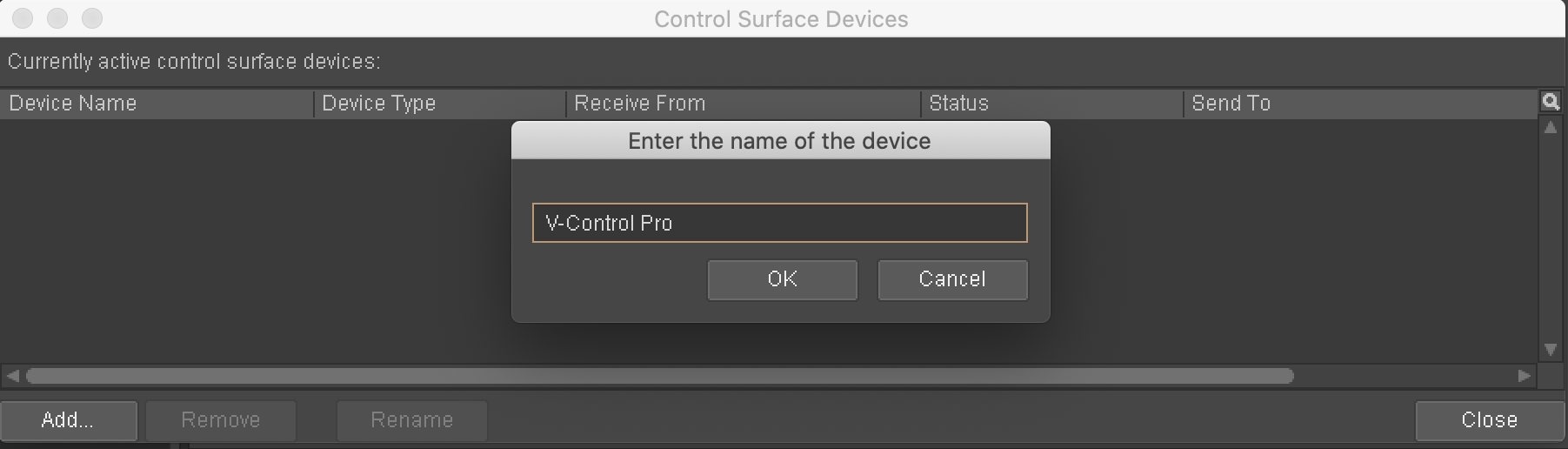
- Click on "Add.." in the Control Surface Devices Window
- In the Wwise top menu bar select: Project / Control Surface Devices
- Type out a name for device being used with V-control Pro.
- In the Wwise top menu bar select: Project / Control Surface Devices
- In the Wwise top menu bar select: Project / Control Surface Devices
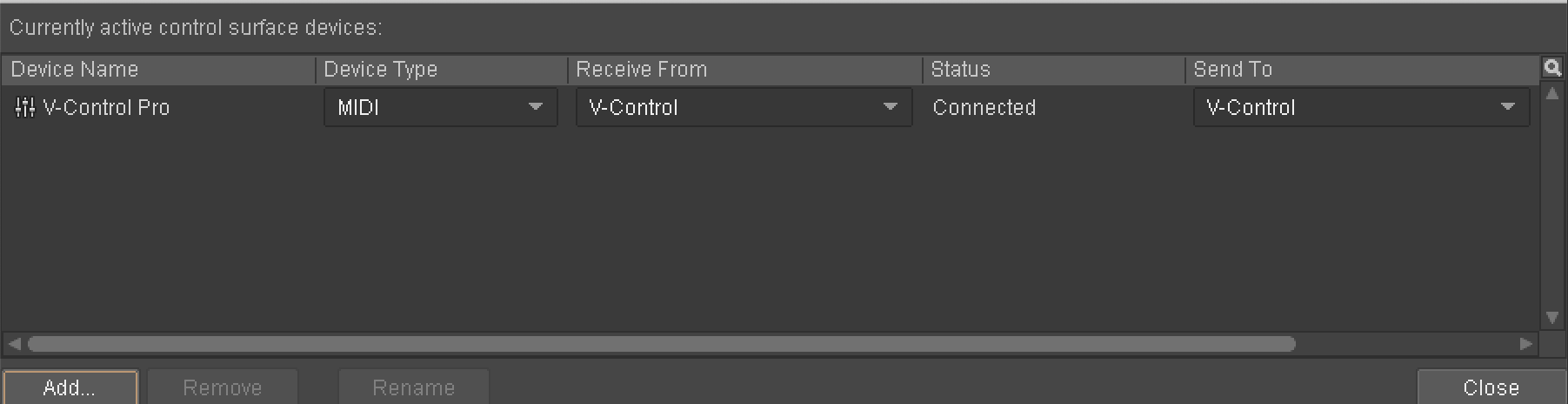
- Set the settings of the device as shown:
- Device Type: Mackie Control
- Receive From: V-Control
- Send To: V-Control