FMOD Studio
8 Channel
- In the FMOD Studio top menu bar select: FMOD Studio / Preferences...
- In the Preferences window, select the Control Surface tab.
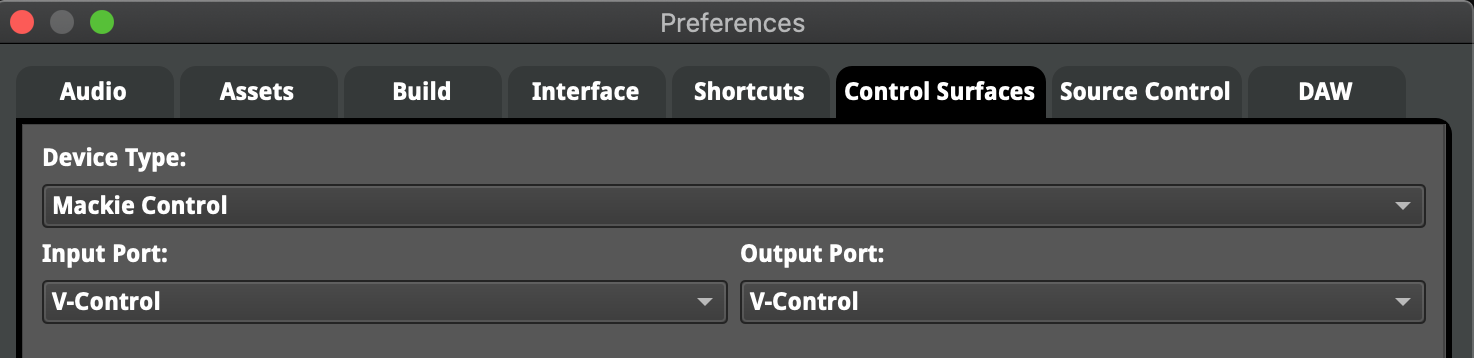
- Select the following for an 8 channel surface:
- Device Type: Mackie Control
- Input Port: V-Control
- Output Port: V-Control
- FMOD Mackie 1
16 Channel
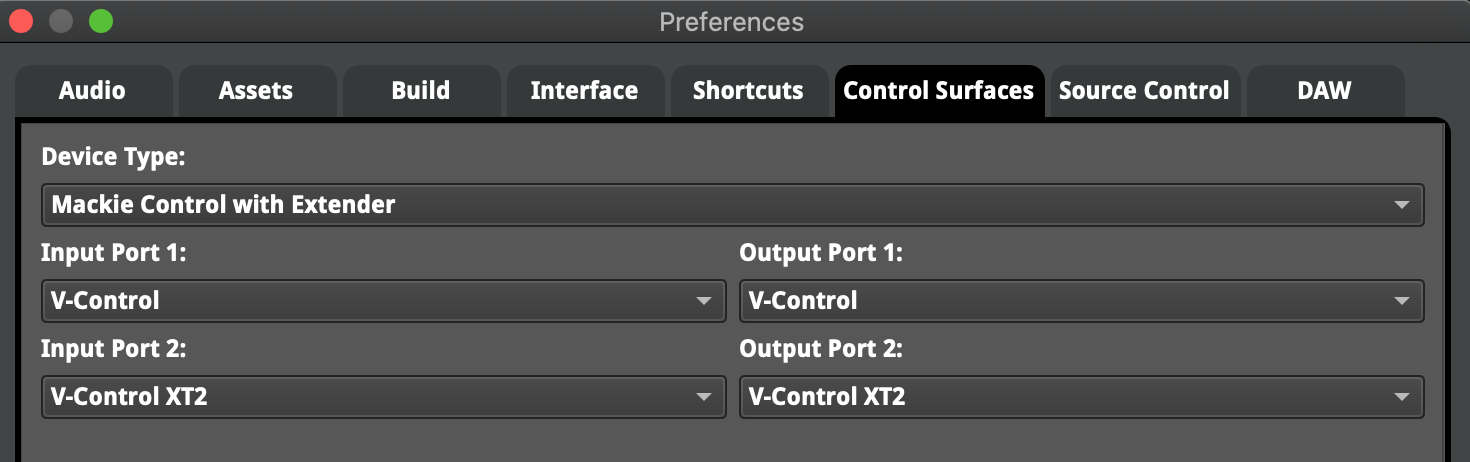
Select the following for an 16 channel surface:
- Device Type: Mackie Control with Extender
- Input Port: V-Control
- Output Port: V-Control
- Input Port 2: V-Control XT2
- Output Port 2: V-Control XT2
- FMOD Mackie 1